

All DOF Reality products incur US import tariffs which customers must pay directly to US Customs. Expected tariffs range from 10-20% of the sale price, though rates fluctuate and cannot be guaranteed due to changing tariff policies. We apologize for this uncertainty which is beyond our control.
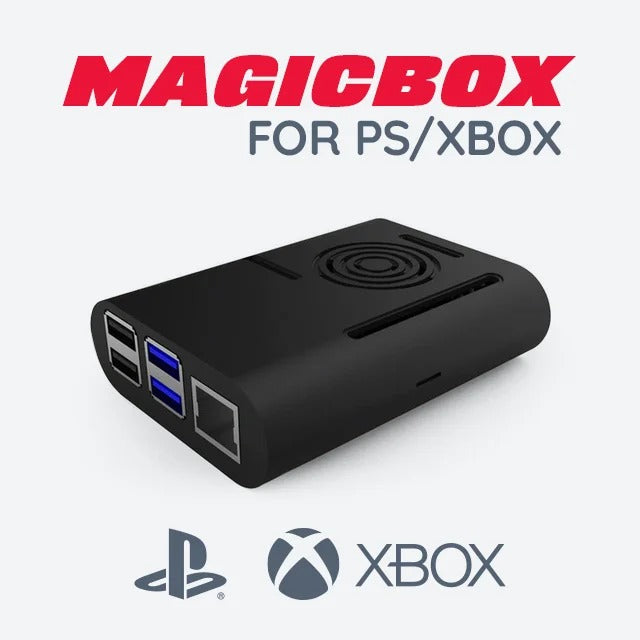
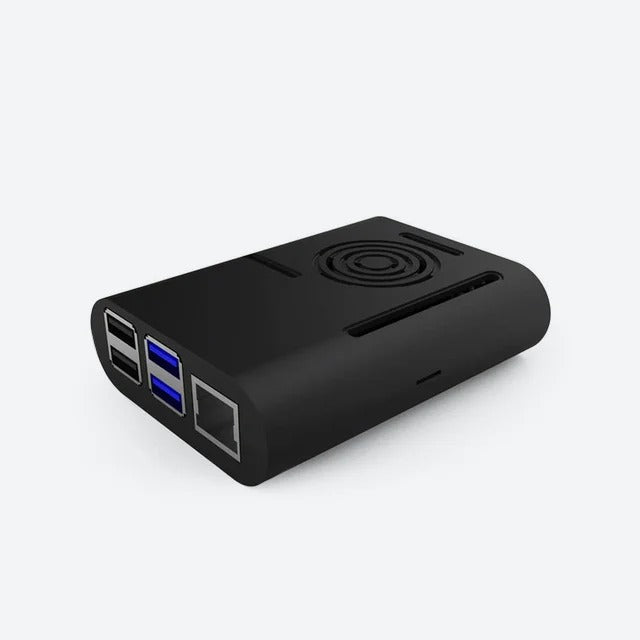
The DOF Reality Console Link (MagicBox) enables motion simulation from PlayStation and Xbox games without a Windows PC. It hosts SimRacingStudio internally and reads motion data directly from the console, then drives your DOF Reality platform in real time. This is the solution for players who run Gran Turismo 7, F1, Project CARS, or Forza exclusively on console and do not want a PC in their setup.
Note: the Console Link provides motion control only. It does not enable console wheels, pedals, or other controllers that are not natively supported by the console. Only games that transmit UDP motion data from console are supported.
Features
- Console-native motion - Reads telemetry directly from PS4/PS5 or Xbox without a proxy PC
- Built-in SimRacingStudio - Hosts SRS internally; control via phone or tablet
- Compatible with PlayStation and Xbox - Supports GT7, F1, Project CARS 1/2, Assetto Corsa, Forza Motorsport 7, Forza Horizon 4/5
- Wireless SRS control - Tune platform settings from your phone while seated
- Motion only - Does not affect wheel, pedal, or other controller inputs
In The Box
- Console Link (MagicBox) unit
- USB connection cable
- Setup documentation
Compatible with all DOF Reality HERO and PRO motion platforms. Requires PlayStation 4/5 or Xbox with network (UDP) motion support enabled in the supported game.
Specifications
| Compatible Consoles | PlayStation 4, PlayStation 5, Xbox (One, Series S/X) |
| Supported Games | Gran Turismo 7 & Sport, F1 series, Project CARS 1/2, Assetto Corsa, Forza Motorsport 7, Forza Horizon 4/5 |
| Connection | USB to DOF Reality platform; network (LAN/Wi-Fi) to console |
| Shipping Origin | Warsaw, Poland |
| Estimated US Delivery | 3-4 weeks from order |
Manuals & Guides
Installation guide and setup documentation coming soon. For support, email support@simulatorshq.com
Choose options